Starting From Scratch
Install the tools. Have your first conversation. This is where every AI second brain begins.
You've seen the demos. Someone on Twitter shows their AI reading their notes, managing their email, writing drafts in their voice, remembering decisions from three months ago. It looks like magic, and you want it.
Then you try to build it and hit a wall. Where do you even start? What tools? What structure? The demos never show the beginning — only the result.
This newsletter is the beginning.
Every week, I'm going to walk through how I built an AI-augmented second brain from nothing — the actual steps, tools, and mistakes, not the theory. By the end of this series, you'll have a working system. Not a copy of mine, but one shaped by your own work and needs.
But first, we need to talk about what a second brain actually is and why AI changes everything about it.
Your brain is a terrible hard drive
You have ideas all day. Connections between things. Solutions to problems you weren't actively thinking about. But your brain stores almost none of it reliably. By tomorrow morning, most of today's insights are gone.
A second brain is just an external system where your thinking accumulates instead of evaporating. Notes, documents, bookmarks, project files, daily journals — anything you might need to find again, stored in one place with enough structure that you can actually find it.
This isn't new. People have been doing this with notebooks, filing cabinets, and apps for decades. Zettelkasten, Getting Things Done, PARA — all systems for organising knowledge outside your head.
The problem has always been the same: maintaining the system takes work. Filing, connecting ideas, finding things again — every step demands effort that competes with the actual thinking you're trying to do. Most people set up a note-taking app, use it enthusiastically for a month, and quietly abandon it because the overhead exceeds the benefit.
That's where AI changes the equation.
What AI actually does for a second brain
Forget "AI assistant" in the chatbot sense — visiting ChatGPT to ask questions, copying text back and forth. That's useful but it's not what we're building.
What we're building is AI that lives inside your knowledge system. It can read every note you've written. It can search across your entire vault. It can create new files, edit existing ones, and run automations — all while understanding the context of your projects, your writing, and your history.
The practical difference:
|
Without AI:
You take notes → you organise notes → you search notes → you manually connect ideas → you write from scratch, referencing notes you remember to look for.
|
|
With AI:
You take notes → AI helps organise them → AI can search and surface connections you missed → AI drafts from your existing knowledge → AI remembers what you decided last Tuesday and why.
|
The second brain goes from a filing cabinet you maintain to a system that works alongside you — one that extends your thinking instead of replacing it.
What I built (and what you're going to build)
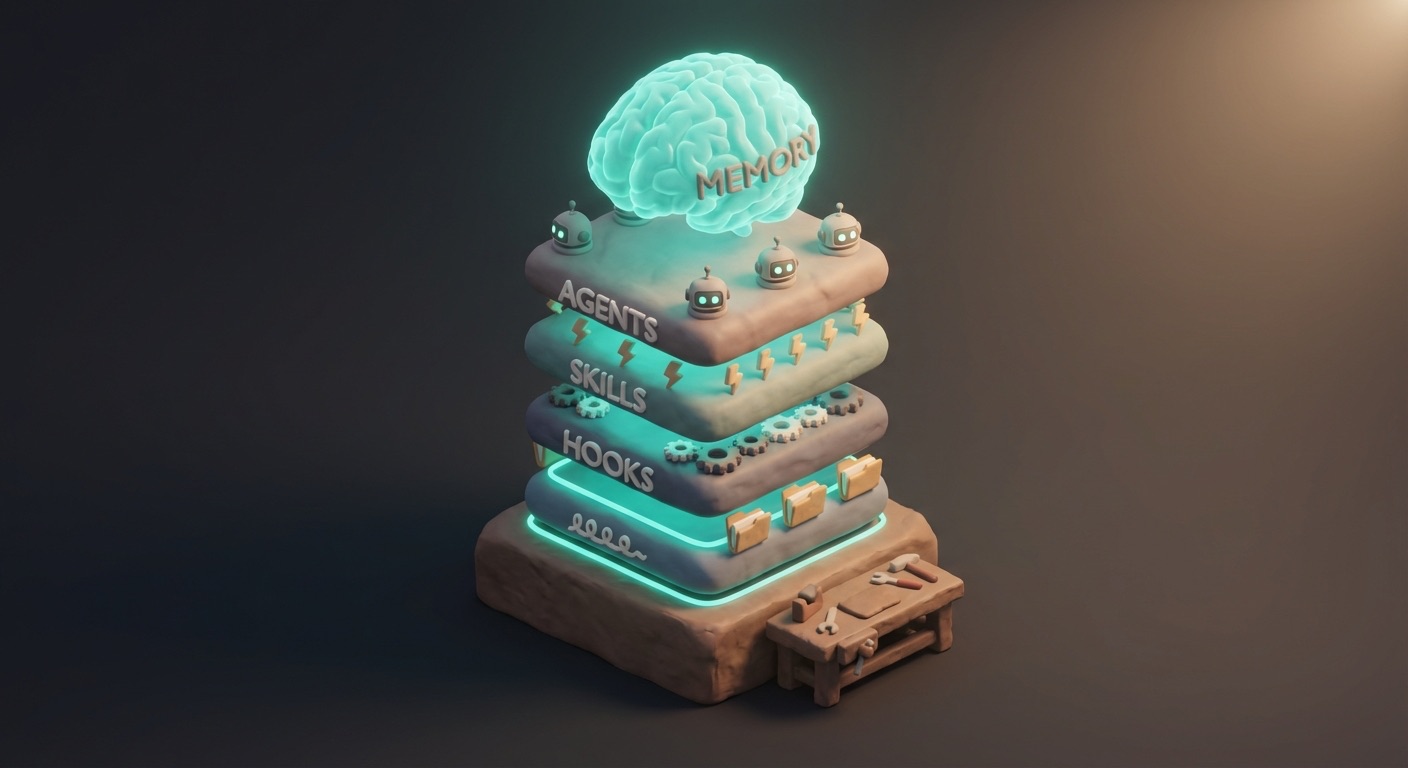
In November 2025, I started with an empty Obsidian vault and Claude Code running in a terminal. Three months later, the system — I call it Cerebro — has:
|
100+
custom skills
— repeatable workflows. Email triage, content publishing, financial snapshots, code review.
|
|
50
autonomous agents
— a newsletter writer matching my voice, a research librarian, a vault organiser.
|
|
17
active hooks
— event-driven automations for logging, decision capture, daily note creation.
|
|
Semantic memory
— the AI remembers decisions, discoveries, and context across sessions.
|
I'm not showing you this to impress you. I'm showing you where we're headed. You won't build all of this — you'll build what you need. But you'll have the foundation to build any of it.
This series walks through the journey from empty vault to working system. Each issue adds one layer. By issue four, you'll have a functional second brain with AI integration, daily notes, and your first automation.
Why Obsidian and Claude Code
You need two things: a knowledge base and an AI that can access it.
Obsidian is the knowledge base. It's free, it stores everything as plain markdown files on your computer, and it doesn't lock your data into a proprietary format. Your notes are just files in a folder. If Obsidian disappeared tomorrow, your data is still there.
That last point matters more than it sounds. When AI can read and write your files directly, you need those files to be in an open format on your local machine — not trapped inside Notion's database or Apple Notes' sync system.
Claude Code is the AI layer. It's Anthropic's command-line tool for Claude. It runs in your terminal and — this is the key part — has direct access to your filesystem. It reads, writes, edits files, runs commands, and searches your vault, all from the same terminal where you'd run any other tool. Not a browser chatbot — an AI operating inside your working environment.
You'll need:
|
✓ Obsidian — free download, Mac, Windows, and Linux
|
|
✓ Claude Code — requires Node.js (v18+) and an Anthropic account. Works with Claude Pro ($20/month) or Max ($100/month).
|
|
✓ A terminal — Terminal.app on Mac, or any terminal on Linux. Windows works via WSL.
|
That's it. No other tools, no complex setup, no cloud services to configure.
Your first session
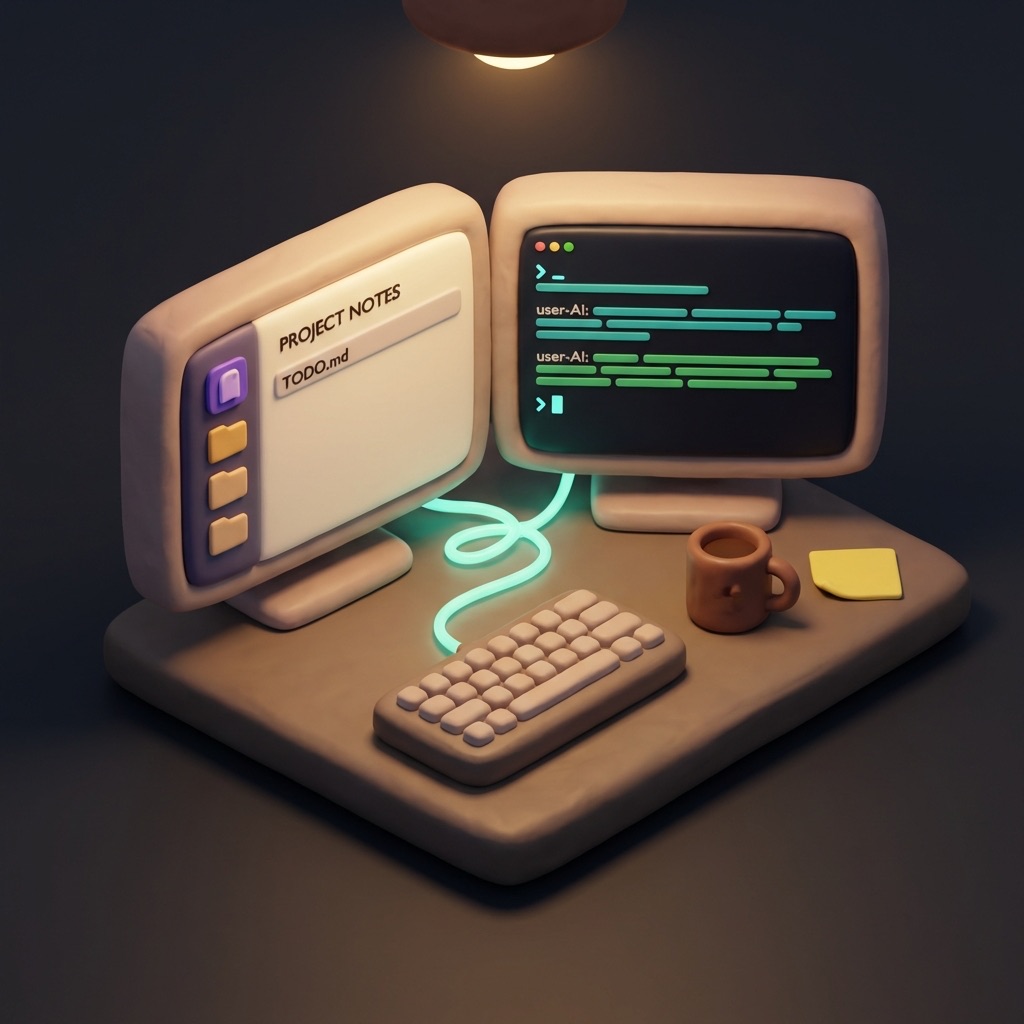
Let's get the foundation in place.
1. Install Obsidian and create a vault.
Download Obsidian, open it, and create a new vault. A vault is just a folder — Obsidian will ask you to name it and pick a location. Call it whatever you want. I called mine Cerebro. Yours might be "Brain" or "Vault" or your name. Doesn't matter.
You now have an empty folder that Obsidian treats as a knowledge base.
2. Install Claude Code.
Open a terminal and run:
npm install -g @anthropic-ai/claude-code
|
(If you don't have Node.js, install it first from nodejs.org. Version 18 or later.)
3. Start Claude Code in your vault.
Navigate to your vault folder in the terminal and run claude:
cd ~/path/to/your/vault
claude
|
The first time, it'll ask you to authenticate with your Anthropic account. Follow the prompts.
4. Have your first conversation.
You're now talking to Claude inside your vault. It can see every file in the folder. Try these:
"What files are in this vault?"
"Create a note called 'First Note' with today's date and a reminder that this is where it started."
"Read First Note.md and tell me what's in it."
|
That's it. You have AI inside your second brain. It's not doing much yet — but it can see your files, create new ones, and respond with awareness of what's in your vault. Everything we build from here is layering capability on top of this foundation.
What's coming
Here's where this series goes over the next few weeks:
|
Issue #2: Vault Architecture
Folder structure, daily notes, and the CLAUDE.md file that teaches Claude about your system.
|
|
Issue #3: Your First Automation
Hooks that trigger on every session. Activity logging, daily note updates. Your vault starts capturing what you do without you thinking about it.
|
|
Issue #4: Your First Skill
Teaching Claude a repeatable workflow. One command, one result. The moment the system starts saving you actual time.
|
After that: agents, memory systems, content workflows, CRM integration, MCP servers, and whatever else the build produces. Each issue adds one layer, building on the last.
If you've been watching other people's setups and wondering how to get there — this is the path. Start here. Build one layer at a time.
See you next Friday.
Jim
|
Want to see where this series is headed?
The system I'm building in public is called Cerebro. See the current state — skills, agents, architecture.
Explore Cerebro →
|
|
Want this built for you?
If you'd rather have an AI-augmented system designed and configured for your workflow instead of building it yourself, that's what Minervia does. Same methodology, built around your work.
Learn about Minervia →
|
Second Brain Chronicles is published every Friday. You're receiving this because you subscribed via Kit.com.
|