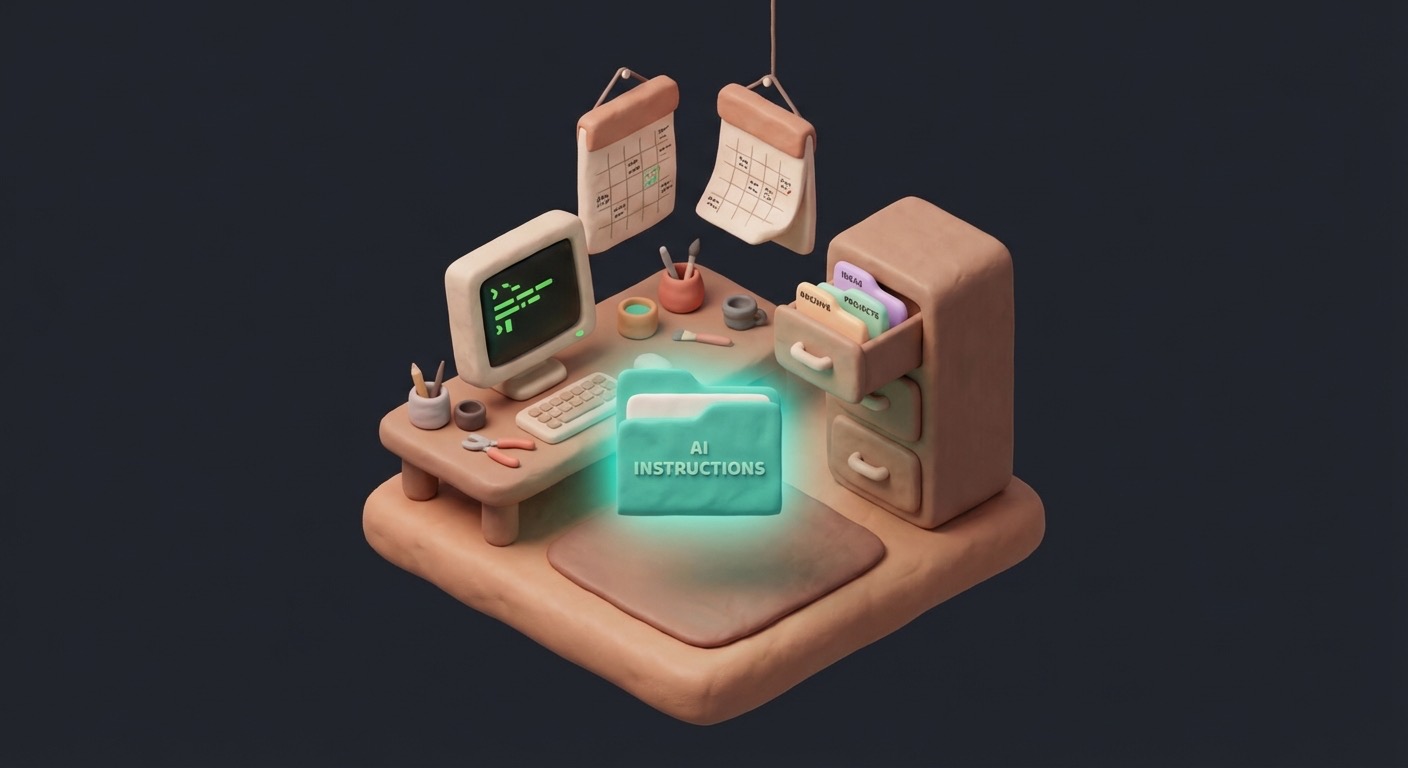
Your Vault Has a Shape
Folder structure, daily notes, and the one file that teaches Claude everything about your system.
Last issue, you installed Obsidian and Claude Code, then had your first conversation where Claude could see your files, create new ones, and answer questions about what's there.
Right now though, Claude knows almost nothing about what you're building. Every time you start a new session, it reads the files in your folder and... that's it. No context about what the vault is for, how it's organised, what your projects are, or how you like to work. It's like hiring someone new every morning and handing them an empty desk.
This issue fixes that. By the end, Claude will understand your vault's structure and purpose before you type a single word.
The empty vault problem
An empty Obsidian vault is just a folder on your computer. There's nothing wrong with it, but it's also nothing special — no different from the Documents folder you've been ignoring for years.
Without structure, here's what happens: you create a few notes, then a few more. They pile up in the root folder where you can't find anything, so you create a subfolder called "Work" and another called "Ideas" and a third called "Misc" (the graveyard). Within a month you're back to searching your email instead of your notes.
I've done this more times than I'd like to admit. Evernote, Notion, Apple Notes — each one started with enthusiasm and ended with a thousand unsorted notes I never looked at again. Every note-taking system dies the same way: an unstructured collection becomes more work to maintain than it's worth, and one Tuesday you just stop opening the app.
So before we add any AI capability, the vault needs a shape. Not a complicated one — just enough to answer the question "where does this go?"
A starting structure
Here's a minimal structure that works for most people. You can change it later — that's one of the benefits of plain files. Nothing is locked in.
Open your vault folder and create these:
Your Vault/
├── Inbox/          <- Quick capture. Everything lands here first.
├── Projects/       <- Active work with clear outcomes.
├── Areas/          <- Ongoing responsibilities (no end date).
├── Resources/      <- Reference material you want to keep.
├── Archive/        <- Completed or inactive items.
└── Daily/          <- One note per day (we'll set this up next).
|
Five folders plus Daily.
Inbox is the most important one. When you're not sure where something goes, it goes in Inbox. You'll sort it later. The whole point is removing the friction of "where does this belong?" in the moment you're capturing something. Without Inbox, you spend 30 seconds deciding where a note goes — which doesn't sound like much until you realise it's enough friction to make you not take the note at all.
Projects are things with an end state. "Write blog post," "Plan trip to Lisbon," "Set up home automation." When they're done, they move to Archive.
Areas are ongoing — "Health," "Finances," "Career" — things that don't end, where notes accumulate over time.
Resources are things you want to reference but aren't acting on right now. Articles, templates, cheat sheets, bookmarks.
Archive is where finished projects go. Not deleted — just moved out of the way so your active folders stay clean.
If this looks familiar, it's a simplified version of Tiago Forte's PARA method. You don't need to read his book to use it — the folder names are self-explanatory, and you'll develop your own structure as the vault grows. Mine diverged from PARA within a few weeks and yours probably will too. The point isn't the specific folders. It's that there are folders at all. Structure lets you find things, and finding things is what makes a second brain worth maintaining.
Daily notes: the habit that makes everything else work
Create a folder called Daily (or add it to the structure above if you haven't already). Inside it, create a file for today. The naming convention matters — use the date as the filename:
The format YYYY-MM-DD sorts chronologically by default. No effort needed — January 5th always files before June 12th.
Open today's note and add a basic template:
# 2026-02-21
## What I'm working on
-
## Notes
-
## End of day
-
|
Three sections is enough to start. "What I'm working on" gives each day a focus. "Notes" catches everything else. "End of day" is optional but useful for reflection — even a single sentence about what you got done or what's stuck.
You can evolve the template later, and you will. Mine has grown to include mood, energy levels, session logs, and a "decisions made" section I didn't know I needed until I kept forgetting why I'd made certain choices. But starting simple means you'll actually use it — I've watched people design elaborate daily templates with seven sections, mood tracking, and gratitude prompts, then abandon them because filling out the template became a chore. Three sections. That's it.
The habit: Create a daily note every day you use your vault. It takes 30 seconds, and over weeks this builds a timeline of your thinking that's searchable, linkable, and — once we add AI — summarisable.
Obsidian has a core plugin called "Daily notes" that auto-creates these when you open the app. Enable it:
- Open Settings (gear icon, bottom left) -> Core plugins -> Enable "Daily notes"
- Set the date format to
YYYY-MM-DD
- Set the folder to
Daily
- Optionally set a template (you can point it at a template file later)
Now every time you open Obsidian, today's note is one click away.
The most important file in your vault
So here's the thing that changed my system from "AI that can see files" to "AI that actually understands what I'm doing."
Claude Code reads a specific file every time it starts a session in your vault: CLAUDE.md. If the file exists in the root of your vault folder, Claude reads it before anything else — before it looks at your files, before it responds to your first message. It's the first thing it sees.
This means you can teach Claude about your system by writing plain text instructions in one file. What the vault is for, how it's organised, what your projects are, how you like to work, what to avoid. Claude follows these instructions for the entire session.
Without CLAUDE.md, Claude is general-purpose — helpful, but generic. It doesn't know your vault has an Inbox folder, or that you file active work under Projects, or that your daily notes use a specific format. It'll do what you ask, but you'll spend half your time explaining context that should already be there.
With CLAUDE.md, Claude understands the architecture before you ask your first question — files things in the right place, follows your conventions, knows what you're working on. That's the difference between a chatbot and a system.
Writing your first CLAUDE.md
Create a file called CLAUDE.md in the root of your vault. Not inside any folder — right at the top level, next to the folders you just created.
Here's a starter version. Read through it, then adapt it to your actual situation:
# CLAUDE.md
## What This Vault Is
This is my personal knowledge management system built in Obsidian.
I use it to organise my work, capture ideas, and manage projects.
## Vault Structure
- **Inbox/** -- Quick capture. Items land here first and get sorted later.
- **Projects/** -- Active work with clear outcomes.
- **Areas/** -- Ongoing responsibilities (health, finances, career, etc.).
- **Resources/** -- Reference material, articles, templates.
- **Archive/** -- Completed or inactive projects.
- **Daily/** -- Daily notes in YYYY-MM-DD.md format.
## How I Work
- When I capture something quickly, put it in Inbox.
- When I ask you to create a project, create a folder in Projects/.
- Daily notes are in Daily/YYYY-MM-DD.md format.
- When I ask about "today," check today's daily note first.
## My Current Projects
- [List your actual active projects here]
- [Even one or two is enough to start]
## Preferences
- Keep responses concise.
- Use plain language, not corporate jargon.
- If you're not sure where to file something, ask me.
|
This is a living document — you'll edit it as your vault grows, new projects get added, and new conventions emerge. The file evolves with your system.
Notice what's going on here: it explains what folders are for, not just what they're called. Claude can already see your folders, but "Inbox is for quick capture, items get sorted later" is an instruction — it tells Claude what to do, not just what exists. The file sets behavioural rules ("when I capture something quickly, put it in Inbox"), lists current projects so Claude knows what you're working on, and uses plain English throughout. No special syntax, no YAML, just paragraphs and bullet points. Claude reads markdown natively.
Test it
Okay, let's see if it works. Close your Claude Code session (type /exit or press Ctrl+C) and reopen it:
cd ~/path/to/your/vault
claude
|
Claude reads CLAUDE.md on startup. Now try a few things.
Start with something simple:
Instead of just listing files, Claude should describe your vault in terms of your structure — Inbox for capture, Projects for active work, and so on. It's pulling from the context in CLAUDE.md, not just reading a directory listing.
Now test if it understands where things go:
"Create a new project called 'Learn Photography' with a basic outline."
|
Claude should create a folder inside Projects/ — not the root, not Inbox — because your CLAUDE.md says that's where active projects go. If it creates the folder somewhere else, your instructions need to be more explicit. That's useful feedback.
And one more:
"I just found a useful article about time management. File it."
|
Claude should put it in Resources/, or ask you for clarification — because your instructions say "if you're not sure, ask me."
If any of those went wrong, check your CLAUDE.md. The most common issue is the file not being in the vault root, or the folder descriptions being too vague for Claude to act on. Tweak the instructions and try again — this is how the file improves over time. Every gap between what Claude did and what you wanted becomes a new line in the instructions.
What your CLAUDE.md will become
Right now your CLAUDE.md is maybe 20 lines. Mine is over 300 — and it got there organically, because every time Claude did something unexpected, filed a note in the wrong place, used the wrong format, or missed a convention, I added an instruction to prevent it next time.
Some things that ended up in mine over the months:
- Which folders map to which areas of my life
- How I name files (date conventions, project prefixes)
- What tags I use and what they mean
- My current business context (consulting, newsletter, side projects)
- Writing preferences (voice, formatting, what to avoid)
- Task management conventions
- Integration notes (which tools connect to what)
You don't need any of that yet. Start with the basics and let the file grow organically as you discover gaps between what Claude assumes and what you actually want. The document compounds — every instruction you add saves you from correcting the same mistake across every future session. It's the closest thing to institutional memory your AI gets.
In my experience, the first two weeks are when the file grows fastest. You'll add something almost every session. After that it settles down, and you're mostly updating project lists and adding the occasional new convention. That's the sweet spot — the file is working for you without demanding constant attention.
What's coming
Your vault now has structure, and Claude understands it. But everything still depends on you — you have to create daily notes, file things manually, tell Claude what happened. Nothing captures on its own.
Next issue: hooks. These are automations that fire when events happen — when a session starts, when Claude uses a tool, when a conversation ends. We'll build a hook that creates today's daily note automatically and logs what you did in each session.
The vault goes from "place where you put things" to "place that captures things on its own."
See you next Friday.
Jim
Want to see where this series is headed? The system I'm building in public is called Cerebro. You can see the current state — skills, agents, architecture — on the Cerebro page.
Want this built for you? If you'd rather have an AI-augmented system designed and configured for your workflow instead of building it yourself, that's what Minervia does. Same methodology, built around your work.
Second Brain Chronicles is published every Friday. You're receiving this because you subscribed via Kit.com.
|
Want to see where this series is headed? The system I’m building in public is called Cerebro. You can see the current state — skills, agents, architecture — on the Cerebro page.
|
|
Want this built for you? If you’d rather have an AI-augmented system designed and configured for your workflow instead of building it yourself, that’s what Minervia does. Same methodology, built around your work.
|
Second Brain Chronicles is published every Friday. You’re receiving this because you subscribed via Kit.com.
|