What I care about is helping people bring technology into their lives well — where it's genuinely needed, and where it can do the most good. Not tech for its own sake, not change to look modern. Sometimes that means AI; just as often it means something far simpler.The tech world is accelerating. This is my attempt to slow things down a little: to pick apart the hype and look for the reality and the truth in the messages — primarily around AI, and how it impacts us all.
Share
SoN Vol 2, Issue 1: Stop Prompting Better. Start Programming Your Gaps.
Published 9 months ago • 5 min read
Vol 2, Issue 1 | JAN 7 2026
Dear Reader,
Something shifted over the holidays.
Since Claude Code Opus 4.5 launched in November, a pattern has emerged among knowledge workers using Claude Code with their Obsidian vaults (or any plain-text knowledge system). They're discovering that plain text files combined with the right AI tooling create compounding productivity gains — the kind where the system gets smarter the more you use it.
There's a real transition happening from "How do I prompt better?" to "What gaps in my life can I program with a skill or an agent?"
The first question is tactical. Useful, but limited. It assumes AI is a thing you talk to when you need something.
The second question is strategic. It treats AI as infrastructure — something that can be systematically extended to handle the recurring friction in your life. We're starting to see the promise of computers as thinking partners, rather than just question and answer machines.
This mental model shift is what matters, more than any specific tool or technique. While I'm not going to get into the debate over what constitutes real agentic AI or if we're going to see AGI in 2026, I will say that we need to stop thinking as much about prompting as we do about helping to identify and plug gaps in our own systems.
In Practice
Here's a real example from my own setup — not work productivity, but life admin.
With multiple schedules to manage (personal, work, kids), staying on top of everything is constant work. Over the holiday break, I worked through this with Claude. I explained where my gaps were: knowing day-to-day what the kids' lunch and homework schedule is, whether my health insurance covers something, when bills are due.
I built an agent called home-life-ceo. Its job is to be in charge of our household logistics. It knows when our insurance renewals happen, when school holidays fall, what the home maintenance schedule looks like, when the car needs servicing.
The key detail: it searches my vault — plain text markdown files stored locally — not the web. Every time I add a document about a new insurance policy or a school calendar, the agent gets smarter.
More than that, I’m treating it like a manager that delegates to other specialised agents I’ve built:
financial-strategist: Business finance, pricing, revenue analysis, detailed spending
vault-organizer: Filing and organizing vault content
learning-coach: Personal development and skill building
librarian: Book library research for health, finance, life management advice
perplexity-researcher: Deep web research on any personal life topic
travel-planner: Trip planning, flights, accommodation, family travel logistics
home-maintenance: Spanish home maintenance, vendors, warranties, seasonal tasks
education-researcher: School decisions, kids activities, educational resources
Each of those agents connects to different parts of my notes and apps. The financial-strategist, for example, reads directly from my finance software’s database. I still open the app, manage accounts, balance transactions — but now I have a partner that can analyze spending patterns, spot budget gaps, and help me plan for bigger expenses.
It’s not about replacing manual work. It’s about having context-aware help when I need it.
If you want to see how this works in practice, I’m documenting and updating my entire setup at cerebro.jimchristian.net. Not as a template to copy, but as proof that this approach works at scale.
Here’s what makes this different from most AI productivity approaches:
More documentation = smarter system. Every note I add to my Obsidian vault becomes context the agent (or agents I program) can reference. The system compounds over use and time.
Plain text files = vendor independence. Markdown files work with Claude Code today and any LLM tomorrow. I’m not locked into a proprietary format.
Local-first = private by default. My family’s insurance details and school schedules stay on my machine, not in someone else’s cloud.
This is fundamentally different from consumptive AI tools — the ones where you type a question, get an answer, and the interaction vanishes. Those tools don’t get smarter over time. They reset to zero with every conversation. That’s likely going to change as time and AI progresses, but this approach gives you a head start and builds institutional memory into your life.
When the System Starts Solving Its Own Problems
Here’s where it gets helpfully recursive.
Eventually, I’d built enough tools that I needed a tool to track my tools. So I built one — a skill called Xita's Sheets that catalogs every skill, agent, and automation in my system.
Named after Xita (pronounced 'Cheetah'), my cat.
Honestly, having dozens of custom skills creates its own management overhead, but because it demonstrates the compounding pattern in action. Every solved gap reveals another gap. The more friction you eliminate, the more visible the remaining friction becomes.
This feels endless at first — then it starts feeling like progress.
What Makes This Possible
Everything I’ve described runs on a system I call Minervia — a framework for vendor-independent knowledge work built on plain text, local-first principles. A ‘Co-Operating System’, if you will.
The philosophy: your knowledge system should outlive any particular AI tool. Plain text files have survived every technology shift of the last fifty years whereas proprietary formats have not.
Minervia provides the conceptual foundation; the specific implementation is up to you.
Minervia is an open-source co-operating system for knowledge workers.
But here’s my honest advice: don’t just copy the setup.
The real value isn’t in the specific automations I’ve built — it’s in learning to think in gaps. Look at your day and ask: what do I do repeatedly that could be systematised? What do I look up over and over that could live in context?
Those questions matter more than any particular tool.
Your Homework
Here’s what I want you to sit with this week:
What do you do repeatedly? The task that shows up every week or month that you handle manually each time.
What do you re-lookup constantly? The information you know exists somewhere in your files but can never find when you need it.
What would you automate if it was easy? The friction you’ve learned to live with because the alternative seemed too complicated.
2026 is the year to stop living with those gaps. The tools are mature enough now that building your own automation is accessible to anyone comfortable with text files and basic configuration.
If you want guided support making this transition, I’m offering implementation coaching for the new year at signalovernoise.at/coaching. But honestly, you can start on your own. The open-source materials are there, and the thinking is what matters most.
Signal Over Noise is weekly, reader-first publication on AI "without the hype" published by Jim Christian. If you've been forwarded this issue, you can subscribe for free: go.signalovernoise.at.
What I care about is helping people bring technology into their lives well — where it's genuinely needed, and where it can do the most good. Not tech for its own sake, not change to look modern. Sometimes that means AI; just as often it means something far simpler.The tech world is accelerating. This is my attempt to slow things down a little: to pick apart the hype and look for the reality and the truth in the messages — primarily around AI, and how it impacts us all.
VOL 2, ISSUE 36 · 19 SEPTEMBER 2026 Space to be human Last week I wrote about leaving the Mac for Omarchy after 25 years, and ended on being one step closer to a co-operating system that works with me instead of one I have to work around. A lot of this week comes back to that: creating my own co-operating system from the tools available. This past week has been a major 'back to school' week for the family, including new travelling times, and a massive storm that came through the area mid-week...
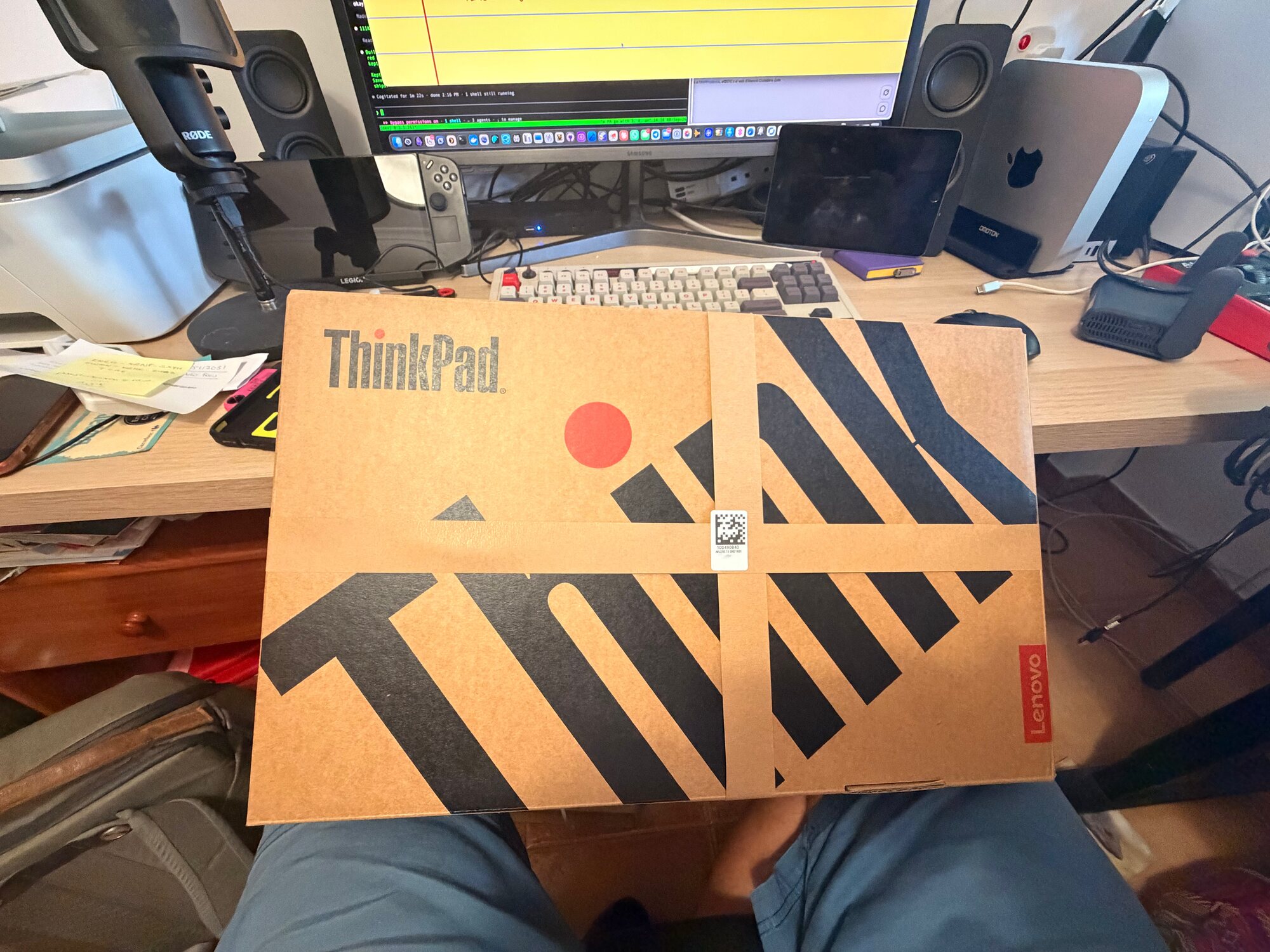
VOL 2, ISSUE 35 · 11 SEPTEMBER 2026 Why I left the Mac for Omarchy after 25 years Last weekend I installed Omarchy alongside macOS on my M2 MacBook Air. Support was hit or miss on the Mac, but I was hooked. I realised this was an operating system I wanted to live with. After more than 25 years primarily using Macs, I bought a Lenovo ThinkPad and made it my daily machine. I did not expect to be buying a computer last week, let alone a PC. The switch happened during a revealing week for Apple....
VOL 2, ISSUE 34 · 4 SEPTEMBER 2026 Handing off the 60% If planning, researching and strategising take up, say, 40% of a task, then 60% is left to execute and iterate. That 60% can take up 100% of your available time if you're doing it manually. This is the week that argument stopped being theoretical for me. The kids are home, my partner is at work, and the writing happens in the gaps — text the agent, deal a new hand of Go Fish, check what came back. It's also the week I started calling...